Set your rules
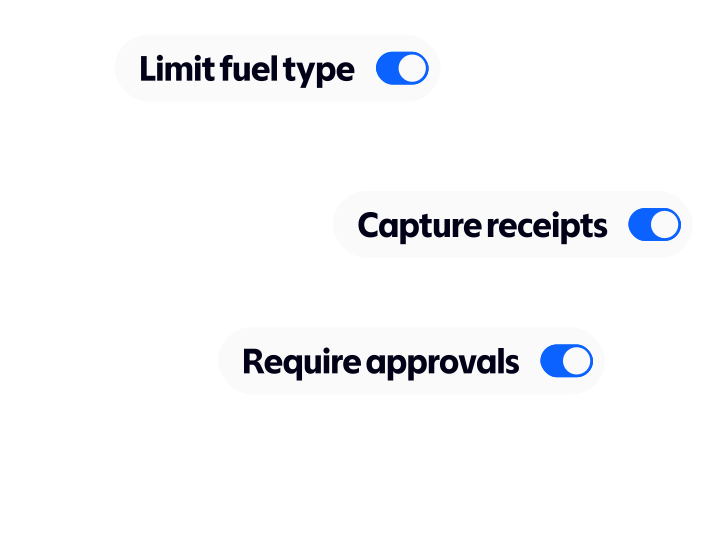
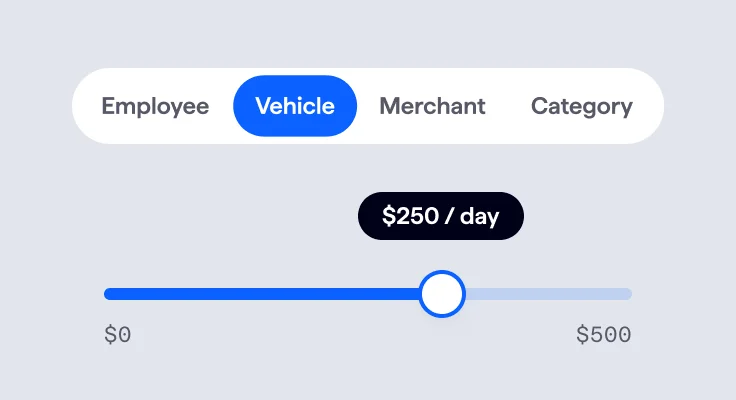
Set spending policies by employee, vehicle, merchant, or category. Coast applies them automatically
One system to capture receipts, enforce spending rules, and sync to your books, automatically.

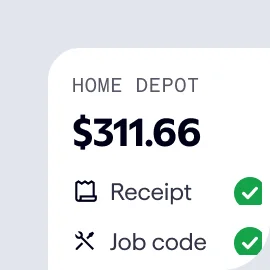
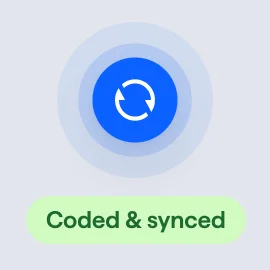
Every purchase is automatically collected, verified, and integrated, saving you time and money.
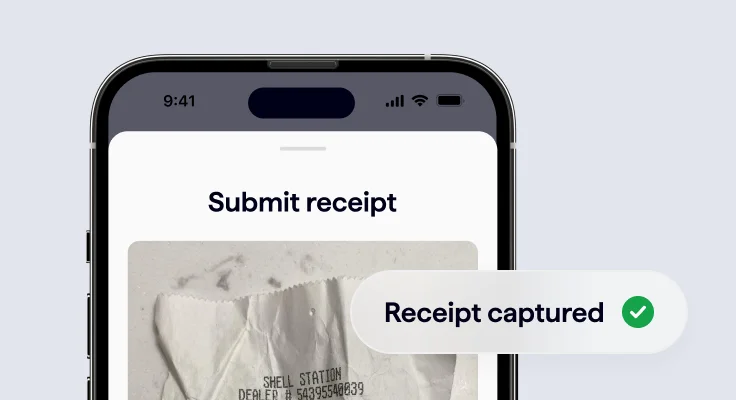
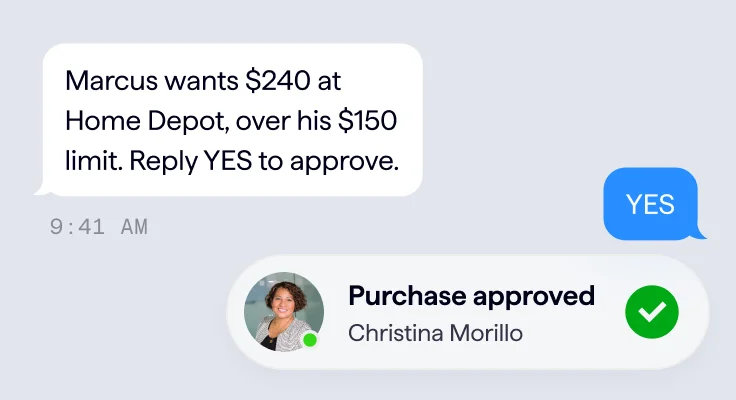
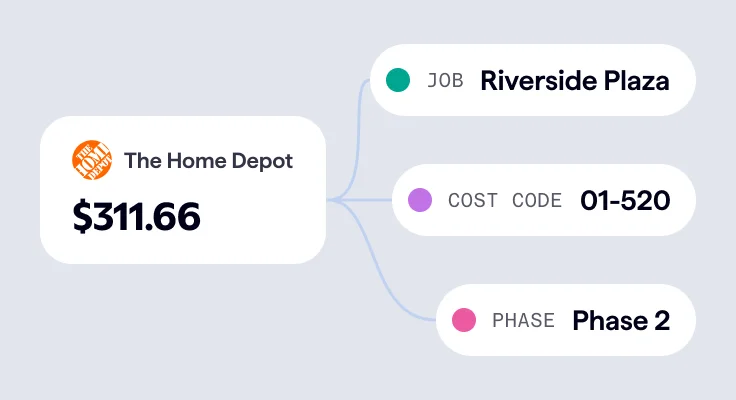
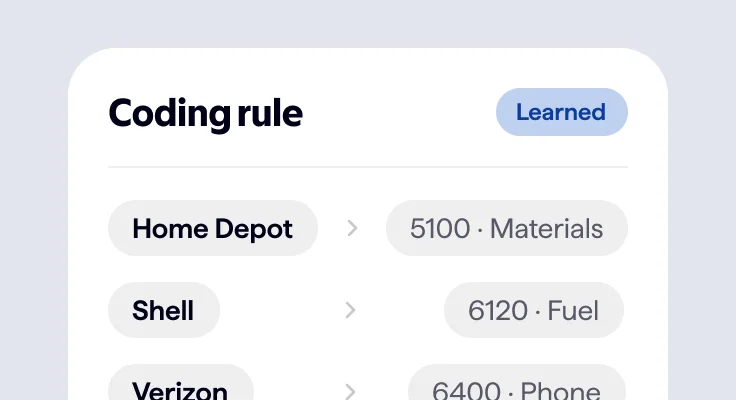
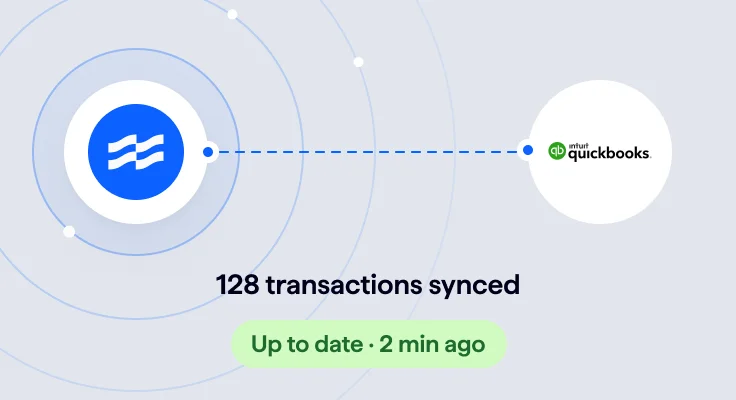
See how a single purchase becomes a coded, reconciled transaction the moment it happens

“Now our financial close is: verify everything, audit the coding in Coast, and with a couple clicks all the records flow to QuickBooks”




















Enforce your policy before a purchase happens, handle exceptions in real time, and review every transaction before it’s approved



Coast pulls your chart of accounts from your accounting system and your active jobs from your project management tool. Every purchase gets coded to the right account, job, and phase in Coast, then syncs back, ready to reconcile

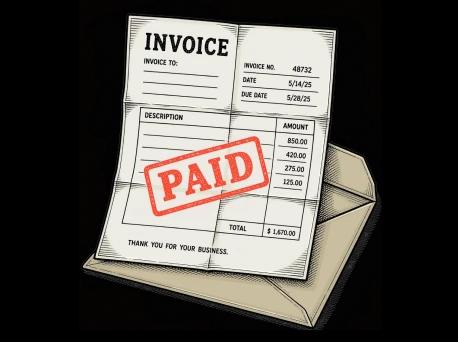
Bill Pay turns your AP process into a breeze. Capture invoices effortlessly, route approvals, and sync every payment to QuickBooks.
No personal guarantee and no impact on your credit score
It takes 2 minutes to apply and you can get started today

Our 100% US-based customer service team is always on hand to help out
Find the answers to your burning questions about using Coast, visit our help centre or speak with one our team directly.
Lack of visibility: Difficulty in gaining real-time insights into spending patterns.
Manual processes: Relying on “20th-century” processes such as paper receipts, spreadsheets, and manual data entry can lead to errors, delays, and inefficiency.
Unclear expense policies: Employees may not understand what is reimbursable or within budget, leading to out-of-policy spending.
Lost or missing receipts: Claiming expenses without receipts can cause issues with the IRS and other federal, state, and local requirements.
Slow approval workflows: Bottlenecks in the approval process can delay purchasing, postpone reimbursements, and frustrate employees.
Employee expense fraud: Both intentional and unintentional fraud can cause big problems within your business.
Disconnected systems: Using multiple, unintegrated systems for different aspects of spend can reduce transparency and lead to overspending.
Create a spending policy: Start by establishing a comprehensive, easy-to-understand expense policy that outlines all aspects of potential spending, including allowable expenses, spending limits, required documentation, and approval workflows (for both purchasing and reimbursement).
Bring spending under one platform: Whether you operate off of an employee reimbursement program or issue company credit cards, it’s best to keep all spending on one platform. This makes it easier to track, manage, and organize expenses throughout the business.
Automate expense management: Implement expense management software like Coast to streamline tracking, reporting, and payment. This minimizes manual errors and speeds up processes.
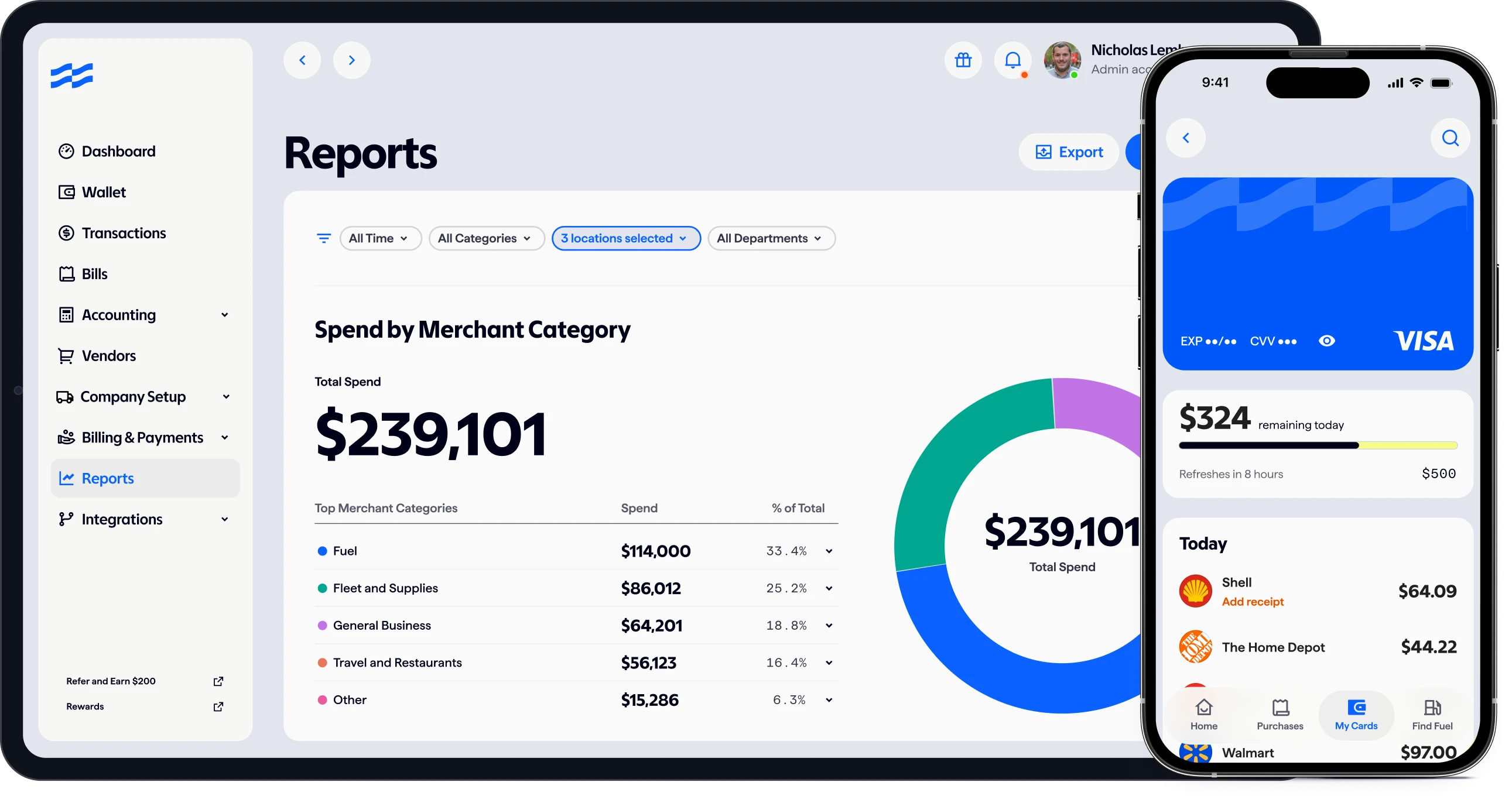
Implement real-time tracking and reporting: Use software that provides real-time visibility into spending, allowing for immediate adjustments and better control.
Educate your team: Provide clear training and resources on expense policies and the use of expense management tools.
The amount of time you should keep financial records, including expense management records and expense reports, is often dictated by a combination of federal, state, local, and tax regulations.
Consult with your business’s legal and accounting advisors to determine the appropriate retention schedule for your jurisdiction.
As a general rule, keep all expense management and income records that support an item of income, deduction, or credit on your tax return for at least three years from the date you filed your original return or 2 years from the date you paid the tax, whichever is later.
The terms “spend management” and “expense management” are often used interchangeably, but each term has its own unique meaning.
Spend management focuses on controlling the broader picture of business spending. It refers to the strategic, ongoing process of identifying, understanding, and controlling spending.
Expense management focuses on controlling the individual line-item expenses initiated by the business and its employees. It refers to the process involved in paying and auditing employee expenses.
The Coast smart card offers seamless integrations with popular accounting platforms like QuickBooks Online, NetSuite, and Sage Intacct.
This allows you to import income and expense categories automatically from your accounting software and assign them to Coast transactions for easy and fast month-end reconciliation.
With Coast, you can even sync your receipts and memos directly into your accounting software. Click here for even more information on how Coast integrates with common accounting software, but also telematics, and fleet management software.
Yes, you can generate unlimited virtual cards for free. Virtual cards offer enhanced security and control for online purchases, at in-person suppliers, or for recurring expenses both online and off.
You can even set tailored spending limits and ensure uninterrupted payments when the business is closed or team members are away.
For more on how Coast virtual cards can save you valuable time and money, check out this article from the Coast blog: How Coast Virtual Cards Can Help You Streamline Your Business Expenses.
Yes, Coast offers this powerful tool. With receipt capture, employees can submit itemized receipts directly through their phones. The receipts are then matched to the corresponding transaction for easy reconciliation.
Employees can also attach notes and job codes to the transaction to make categorizing and organizing expenses even easier. You can even set up automated reminders to prompt employees to submit their receipts so you can achieve 100% collection.
For more information on how your business can benefit from automated expense management, including receipt capture, check out this article from the Coast blog: Expense Management Automation: What It Is & Why You Need It.

See where your spend is leaking, increase your control, and close your books twice as fast. Get started with Coast and never chase a receipt again.